1
Pay for a plan
Pick a period and pay through Tribute in Telegram. No hidden charges — you pay only for the chosen period.
 LW VPN
 Pay for a plan, get a .conf file by email, import it into the AmneziaVPN app — connecting takes a minute. Works where ordinary VPNs are blocked.
Pick a period and pay through Tribute in Telegram. No hidden charges — you pay only for the chosen period.
Right after payment, a ready lwvpn.conf configuration file arrives at the email you provided — no accounts, no waiting.
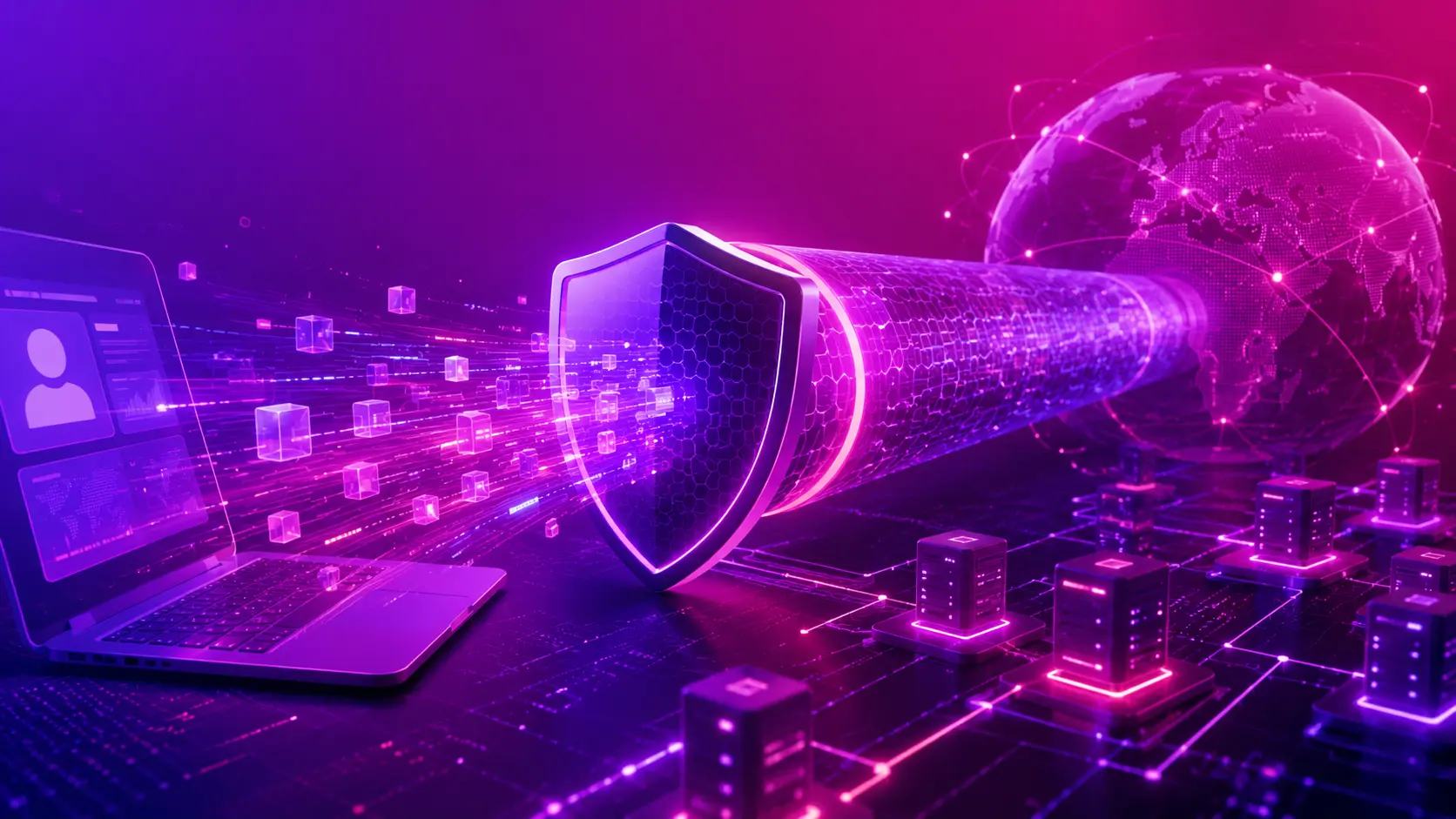
Import the file into the AmneziaVPN app, flip the switch — and your traffic already runs through the secure tunnel.
All traffic is encrypted with ChaCha20-Poly1305 — the modern cipher used in WireGuard. Your provider sees only an unreadable stream of data.
AmneziaWG adds noise packets and changes header signatures — from the outside the connection looks like ordinary UDP traffic, not a VPN tunnel.
Plain WireGuard and OpenVPN are recognized and throttled by protocol. A masked tunnel can't be classified — the connection stays stable.
We don't record your browsing history and don't tie the config to your identity. One .conf file — and no accounts with email or phone.
The fastest way is the QR code: point your phone camera at the QR from the email, and AmneziaVPN opens with the config ready. Or scan the QR inside the app itself.
If AmneziaVPN isn't in your App Store, switch your App Store region to a country where it's available (e.g. the US). This is the only working way to install the client on iPhone/iPad.
The fastest way is the QR code: point your phone camera at the QR from the email, and AmneziaVPN opens with the config ready. Or scan the QR inside the app itself.
For your first connection
Great for the season
Maximum value
Prefer Telegram? Everything — payment and getting your config — can be done right in our bot. Open @lw_vpn_bot
It's an evolution of the WireGuard protocol: the same speed and encryption, but the traffic is additionally masked as ordinary. Analysis systems (DPI) don't see VPN signatures, so the connection isn't blocked under censorship.
One .conf file can be imported on several of your devices — phone, laptop, tablet. There's no extra charge per device.
Access simply turns off — no auto-charges and no hidden subscriptions. To continue, pay for a new period and get a fresh config.
We don't keep browsing logs and don't ask for email or phone to sign in. The config isn't tied to your identity — the whole “account” is the .conf file.
Check that the file was imported in full and the switch is on. If the problem persists — write to support, we'll help and issue a new config if needed.